
Sharing notes from my ongoing learning journey — what I build, break and understand along the way.
My First SAP HANA Installation Experience – Part 1 – GUI Setup & Cockpit Overview

My First Real SAP HANA Installation Experience
This content is based on my personal learning experience using SAP Learning Hub. Thanks to SAP for providing a hands-on environment that makes learning much more practical.
As someone new to the SAP world, I had only explored SAP HANA at a surface level before. I had even tried installing it once via the command line. But honestly, that experience felt more like “moving forward without fully understanding what I was doing.”
This time was different.
Through SAP Learning Hub, I had the chance to install SAP HANA on a real system, this time using a GUI. And this experience helped me realize that HANA is much more than just a database.
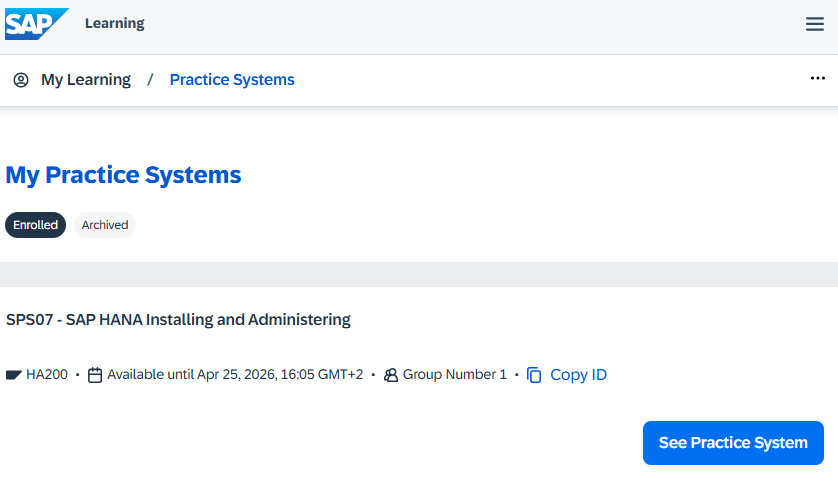
SAP HANA: More Than Just a Database
SAP HANA is often described as an “in-memory database.” But once you go through the installation process, you start to see something more:
It’s actually a complete ecosystem.
During the installation, you encounter:
- multiple services
- separate disk structures
- runtime components
- and web-based management tools
All of these come together as part of the system.
So it’s not the typical “install a database and you’re done” scenario.
Installation via GUI: More Different Than Expected
Since I had previously worked through the command line, I didn’t expect the GUI installation to be this guided.
The installation screens almost feel like they’re constantly telling you:
“I will guide you, but you still need to understand what you’re doing.”
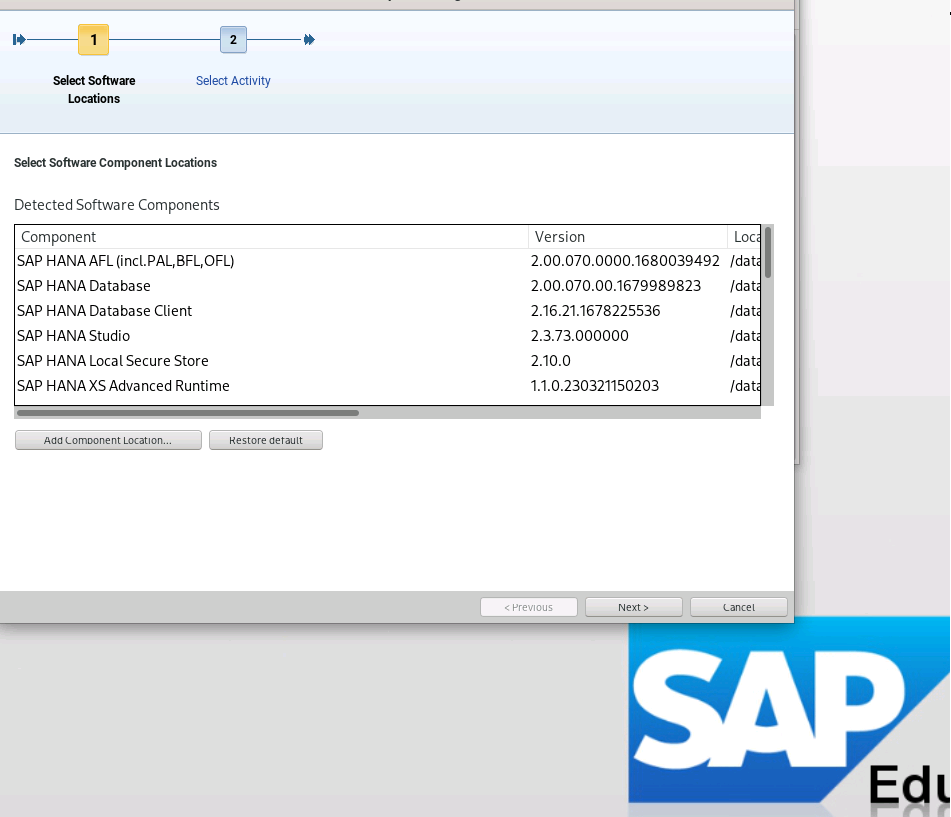
At this point, concepts like System ID (SID), instance number, and system structure started to make real sense for the first time.
What’s Happening in the Background?
Once the installation is complete, that’s when things get interesting.
There isn’t just a single service.
Multiple components are running together:
- nameserver
- indexserver
- and others…
At this point, I realized:
SAP HANA = a system that behaves like a distributed architecture
And that actually explains why it’s so powerful.
SAP HANA Cockpit: The “Human-Friendly” Side
After the installation, I moved on to SAP HANA Cockpit—and the experience completely changed.
Suddenly, everything became visual:
- graphs
- system information
- database details
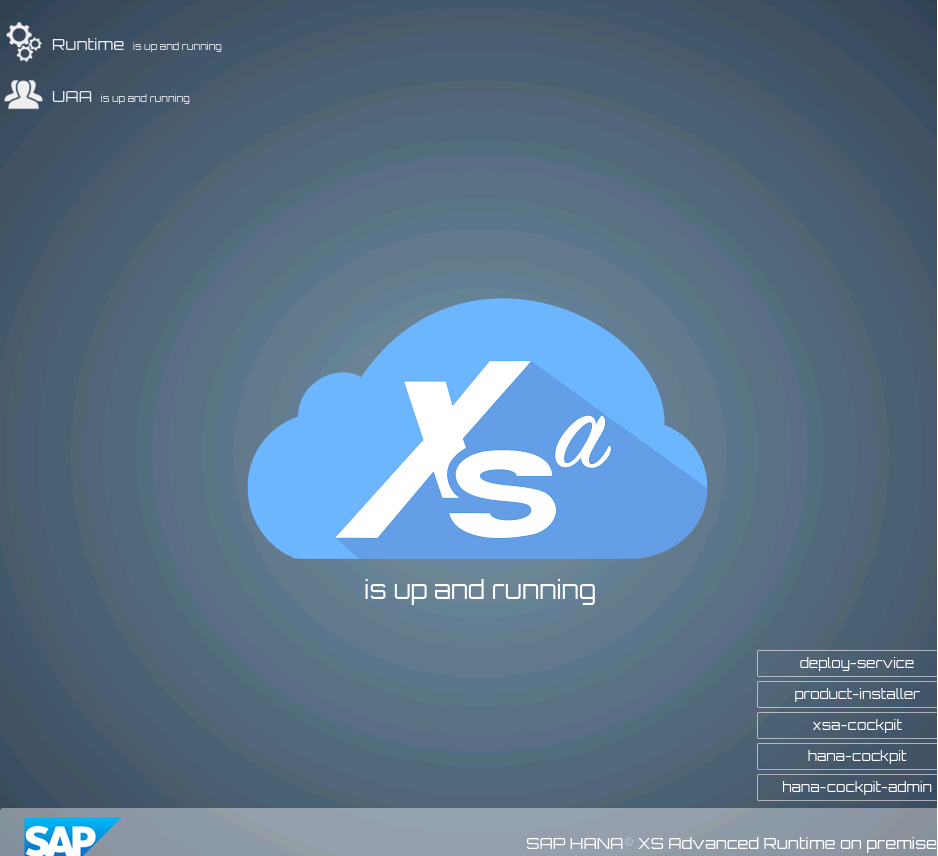
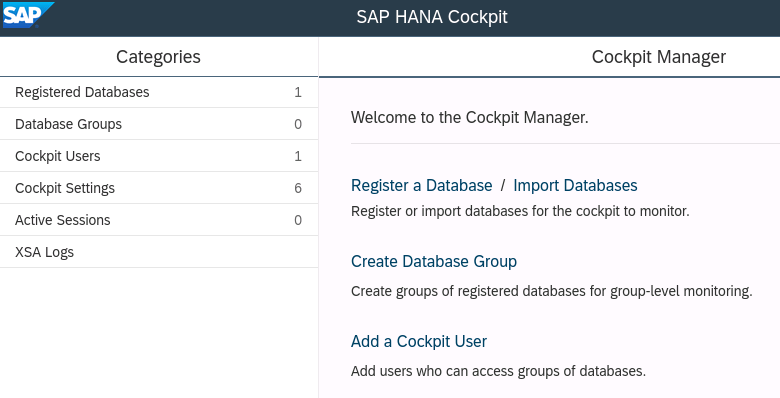
this stage, HANA stopped being “something running in the background” and became a system you can actually interact with and manage.
A Small Mistake, A Big Lesson
While registering the database in Cockpit, I made a small mistake.
I selected the wrong system type.
But that mistake taught me something important:
Modern SAP HANA systems run on a multi-container (MDC) architecture.
These kinds of small details are actually critical in the SAP world.
What Did I Gain From This Experience?
After this first real installation experience, I can clearly say:
- SAP HANA is not something you just install and leave
- It’s hard to move forward without understanding how the system works
- The GUI makes things easier, but understanding the logic is essential
And most importantly:
SAP is learned by doing, not just by reading
What’s Next?
This was just the beginning.
In the next step, I plan to dive deeper into:
- system monitoring
- memory usage
- performance analysis
I’ll continue sharing this journey step by step.